Logo of GenXGenX.art
HomeCreate

Creative suite

Text to VideoImage to VideoText to ImageAudio

Campaigns

Marketing Studio

Discover

ModelsStylesExplore

Library

WorkspaceBrand Kit
Help center
Logo of GenXGenX

Creative workspace

CreateExploreWorkspace
  1. Home
  2. Creative tools
  3. Sketch to Video AI

Sketch to Video AI

Animate a drawing or storyboard into a short video. Describe one movement and keep the drawing style and composition as your reference.

Every generation uses credits. Review the current estimate before starting.

How it works

  1. 01

    Upload a clear image of the subject.

  2. 02

    Review the credit estimate

  3. 03

    Inspect the result

  4. 04

    Download

Examples

Animate the main subject gently with a slow camera push-in, preserving the drawing style.

Upload a clear image of the subject.
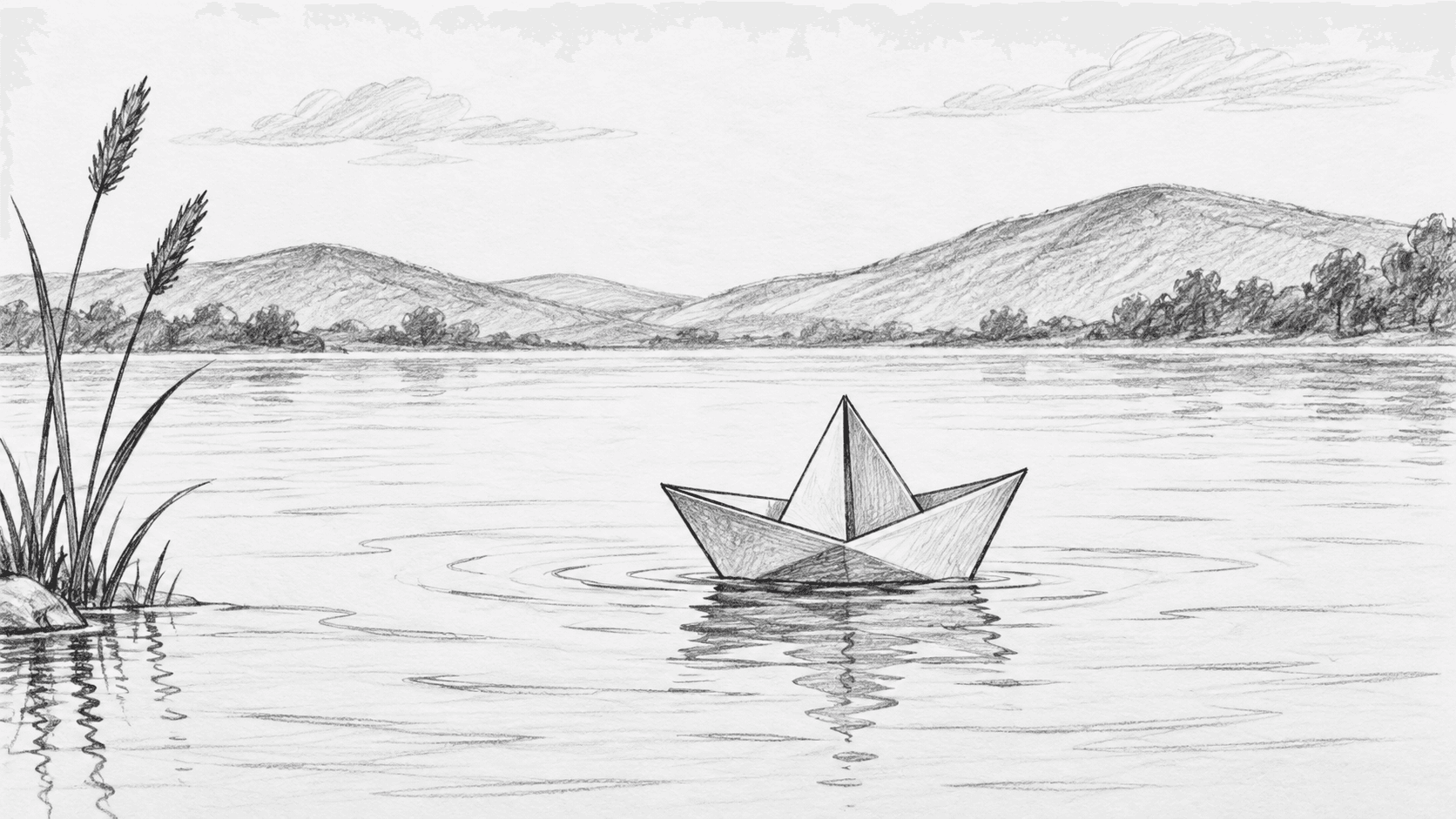
Upload a clear image of the subject.

Generated example

These examples use fictional portraits and an original drawing. Results vary with your inputs.

Frequently asked questions

Can I try this with welcome credits?

If your account receives welcome credits, you can use them for supported settings within that balance. Each run consumes credits; larger batches and videos may need more.

Are my uploads public?

Generation is private by default. Share a result only when you choose to, and use reference images you have permission to edit.

Will the result exactly match my reference?

AI can change faces and small details. Check the result before using it; colorized photos do not establish historical colors.

Related tools and guides

Text to Image AIAI Image EditorText to Video AIImage to Video AITalking Photo GeneratorAI Text to SpeechAI Headshot Generator — Credit TrialRealistic AI Image GeneratorAI Couple Photo MakerAI Photo ColorizerImage to Pixel ArtPhoto to Oil PaintingSeedanceWanSora 2 prompt examples and revision guideSora 2 vs Veo: compare inputs and workflows

No Result Yet

Enter a prompt and click generate to create your content

History