 GenX
GenXCreative workspace
GenXCreative workspace
Create photographic images with natural light and believable textures. Describe the subject, composition and camera view, then inspect fine details.
Every generation uses credits. Review the current estimate before starting.
Describe the scene you want to create.
Review the credit estimate
Inspect the result
Download
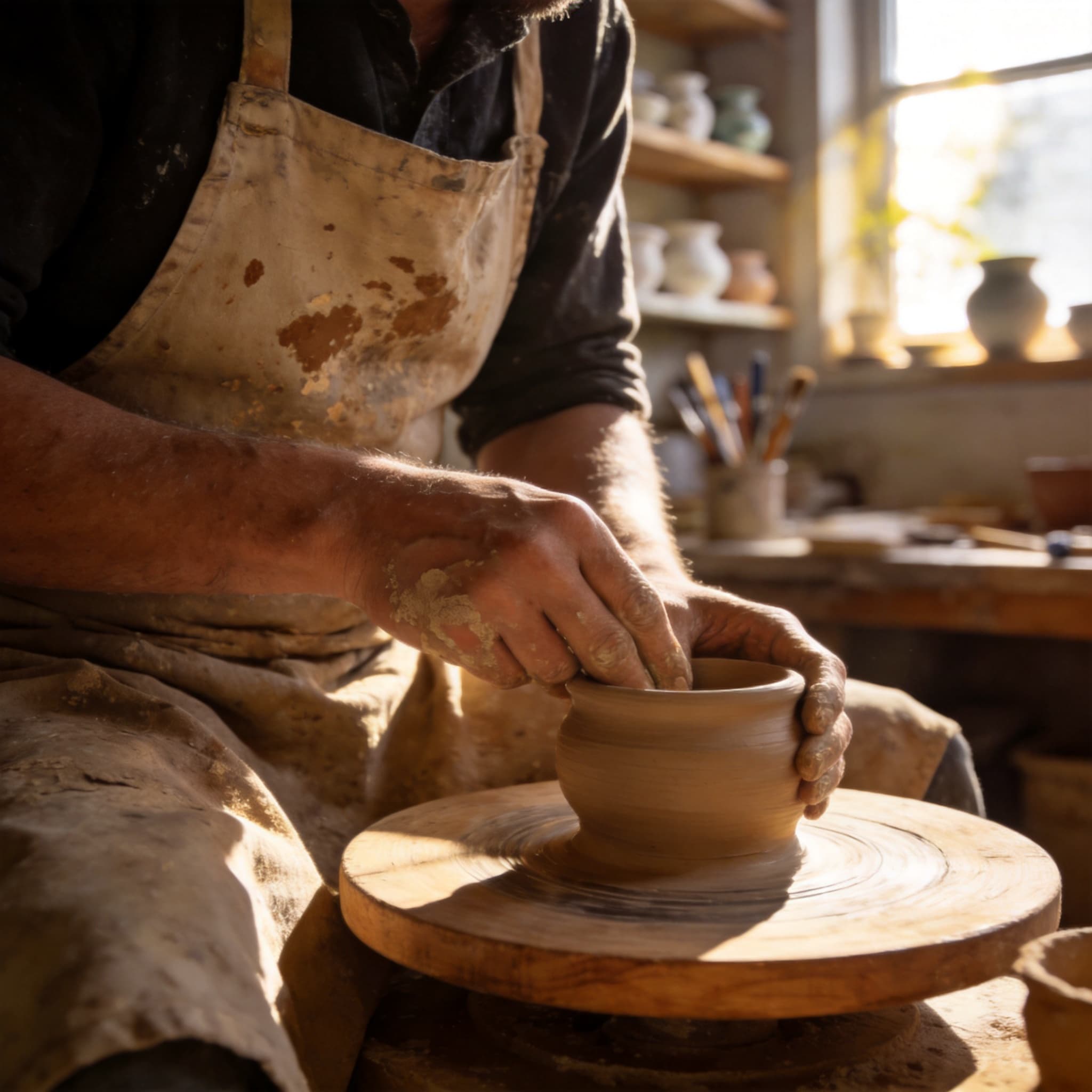
An artisan in a sunlit pottery studio, candid photography, natural textures and a softly blurred background.
Generated example
If your account receives welcome credits, you can use them for supported settings within that balance. Each run consumes credits; larger batches and videos may need more.
Generation is private by default. Share a result only when you choose to, and use reference images you have permission to edit.
AI can change faces and small details. Check the result before using it; colorized photos do not establish historical colors.
Enter a prompt and click generate to create your content